If your maritime website gets visitors but few enquiries, the cause is usually one of six things: it isn’t written for a specific buyer, certifications are hard to find, pages are too heavy for a ship’s connection, headings don’t say what you do, there’s no proof of real work, or the enquiry form doesn’t ask for what you need to quote. Most can be fixed without a rebuild.
Most of the maritime websites we’re asked to look at have the same problem. The business behind them is good at what it does, but the site was built to confirm the company exists rather than to help someone decide to buy from it. It has a big photo of a ship, a paragraph about quality and safety, a list of services, and a contact form.
That’s not enough, because the people visiting a maritime website are almost always there to do a specific job. A procurement officer is checking you meet the requirements on a tender. A vessel superintendent needs a part and wants to know the lead time. If the site doesn’t help them do that job quickly, they move on, and you never find out they were there.
When a maritime client tells us their site gets visitors but few enquiries, these are the six causes we check, roughly in the order we check them.
Quick diagnosis
What's stopping your site bringing in work?
- Enquiries from the wrong kind of customerIt's written for nobody in particularSee the fix
- Tender panels never get in touchCertifications are hard to findSee the fix
- Mobile visitors leave before the page loadsPages are too heavySee the fix
- Visitors leave the home page within secondsHeadings don't say what you doSee the fix
- Buyers ask for examples before they'll talkNo proof of real workSee the fix
- Enquiries need three emails before you can quoteThe form asks the wrong questionsSee the fix
It's written for nobody in particular
Before changing anything, write down the three or four types of person who visit and what each of them needs to find. For most offshore, subsea and marine equipment businesses the list looks something like the diagram below. The groups overlap, but they read the site in different ways and they’re looking for different evidence.
Maritime websites
Who visits a maritime website, and what they need to find
Each group reads the site differently. Check your own site as each of them.
Procurement and tender panels
“Do they meet the requirements, and are they a safe choice?”
- Certifications and approvals, with expiry dates
- Insurances and company details
- Relevant past contracts
- Frameworks and supplier registrations
Engineers and technical buyers
“Will it do the job, and will it fit what we already have?”
- Specification tables
- Datasheets, drawings and CAD
- Standards and type approvals
- Interfaces and integration
Vessel operators and superintendents
“Can they help us now, and how quickly?”
- Lead times and spares stock
- Service coverage and locations
- A phone number on every page
- Rental and repair options
Primes and project partners
“Are they capable and credible enough to bring in?”
- Capability and capacity
- Case studies and real photography
- The team and their experience
- Who they've worked with
Once you have that list, go through your current site as each of those people. How many clicks does it take the procurement officer to find your ISO certificates? Can the engineer get the datasheet without filling in a form? Is there a phone number the superintendent can ring when a vessel is waiting on a spare? These are simple checks, and they usually show up the main problems within half an hour.
Buyers can't find your certifications
Maritime is full of approvals. Class society type approvals, ISO 9001, 14001 and 45001, diving and ROV accreditations, security clearances, insurance levels. Buyers on tender panels need to tick these off, and they don’t want to hunt through a 40-page brochure to do it.
Give them their own page. For each one, list what it covers, the certificate number, who issued it and when it expires, and link to the certificate itself or the issuing body’s register where one exists. If you make marine equipment for UK-flagged vessels, say clearly which products carry the Red Ensign mark, the UK’s conformity mark for marine equipment that replaced the EU wheel mark for new equipment on UK ships. The government’s guidance on product marking by sector sets out which mark applies to what.
Then link to that page from the footer and from every service or product page it’s relevant to. Tender panels check it early, so it shouldn’t take more than a click to reach.
It's too slow on a ship's connection
Some of your visitors will be on a vessel. Satellite connectivity at sea has improved a lot, but bandwidth on board is still shared between a lot of people and systems, and it’s often limited. Others will be on a phone in a yard or on a quayside. A site that loads well on the office fibre can be close to unusable in either place.
Web pages have also got steadily heavier, as the figures below show. Google looks at the mobile version of your site first when deciding how to rank it, which is covered in its mobile-first indexing guidance.
Median mobile home page weight
What a visitor on a phone downloads before they see your home page
Source: HTTP Archive Web Almanac 2025, Page Weight (July 2015 and July 2025 medians)
The fixes are mostly unglamorous:
- Resize and compress images before they go on the site, and serve them in a modern format like WebP.
- Don’t autoplay a large video in the header. If you want movement, use a short, compressed, muted loop with a still image that shows first.
- Host long videos on YouTube or Vimeo and embed them, so they only load when someone presses play.
- Keep datasheets and brochures to a sensible file size. A 30 MB PDF is a big ask on a ship.
- Use real text rather than text baked into images, so it loads fast, scales on a phone and can be read by search engines.
Google’s Core Web Vitals give you three measures to check against: how quickly the main content appears, how quickly the page responds when someone taps something, and how much the layout jumps around as it loads. Test on a throttled mobile connection, not just your desktop.
The headings don't say what you do
Nobody reads a supplier’s website from top to bottom. Eye-tracking research from the Nielsen Norman Group shows people scan web pages in an F-shaped pattern, reading the start of headings and the first few words of paragraphs and skipping much of the rest. So the useful information has to be at the front.
The same section, two headings
Delivering excellence beneath the waves
Says nothing a buyer can check. They have to read the paragraph to find out what you do, and most won't.
ROV hull inspection to 300 m, UK and Europe
Service, capability and coverage in one line. A superintendent knows in two seconds whether to keep reading.
Headings should say what’s in the section. Paragraphs should start with the point. Technical terms are fine, because your audience knows them, but marketing language they’d never use themselves gets skipped. The GOV.UK writing guidelines were written for government content, but most of the advice applies just as well to an engineering firm’s website.
There's no proof of real work
Stock photos of generic ships do more harm than good. People in the industry can tell straight away, and it suggests you don’t have anything real to show. Photos of your own vessels, kit, workshop and people are worth far more, even if they’re not perfect. Better still, get proper photography done once and use it everywhere.
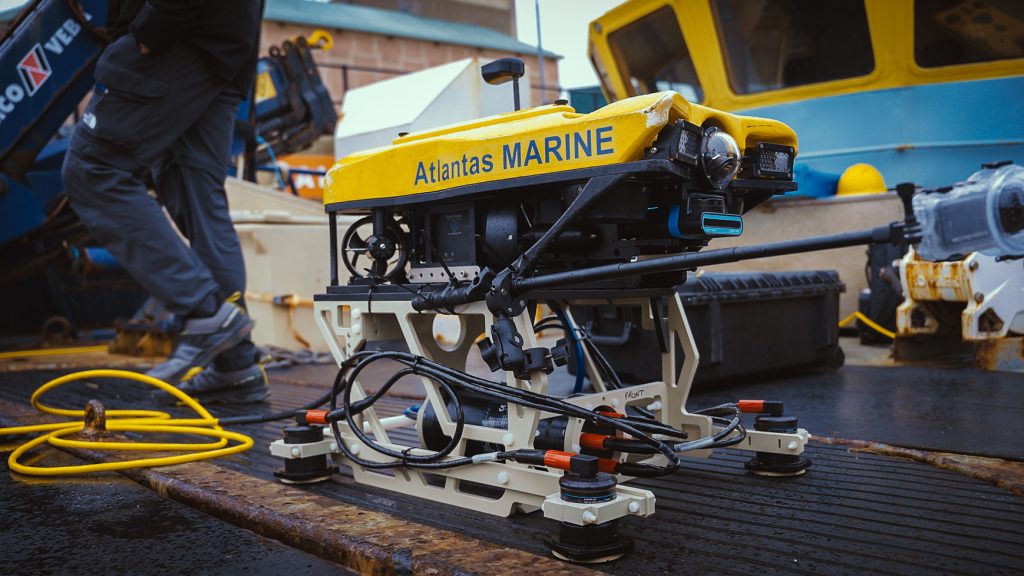
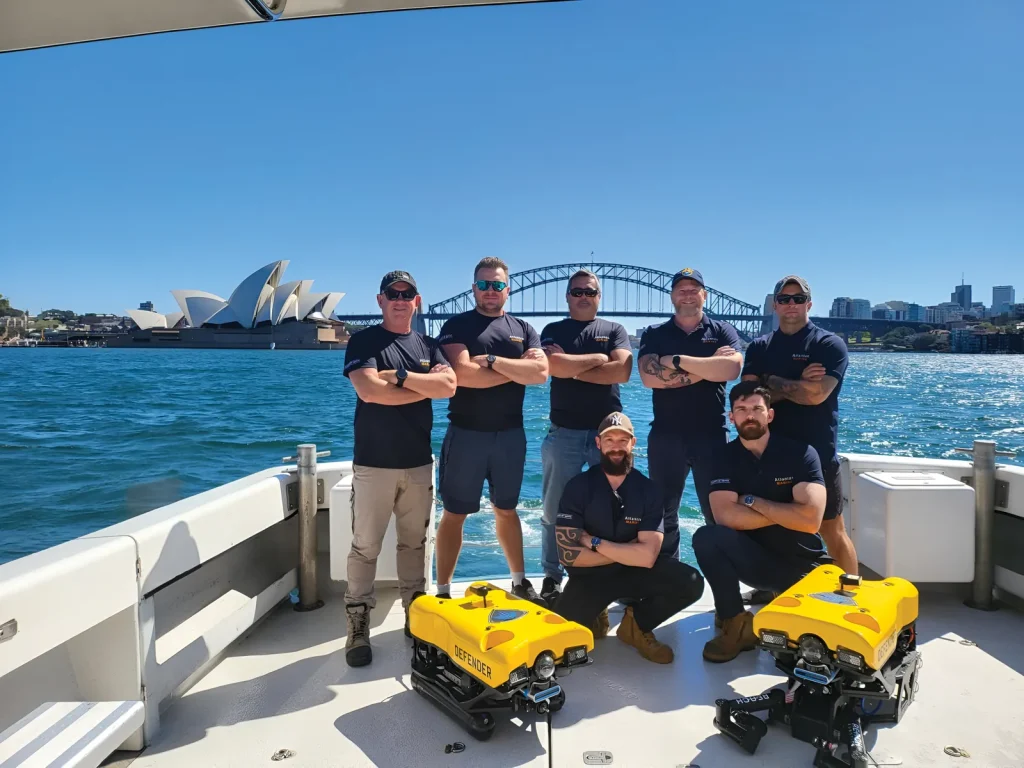
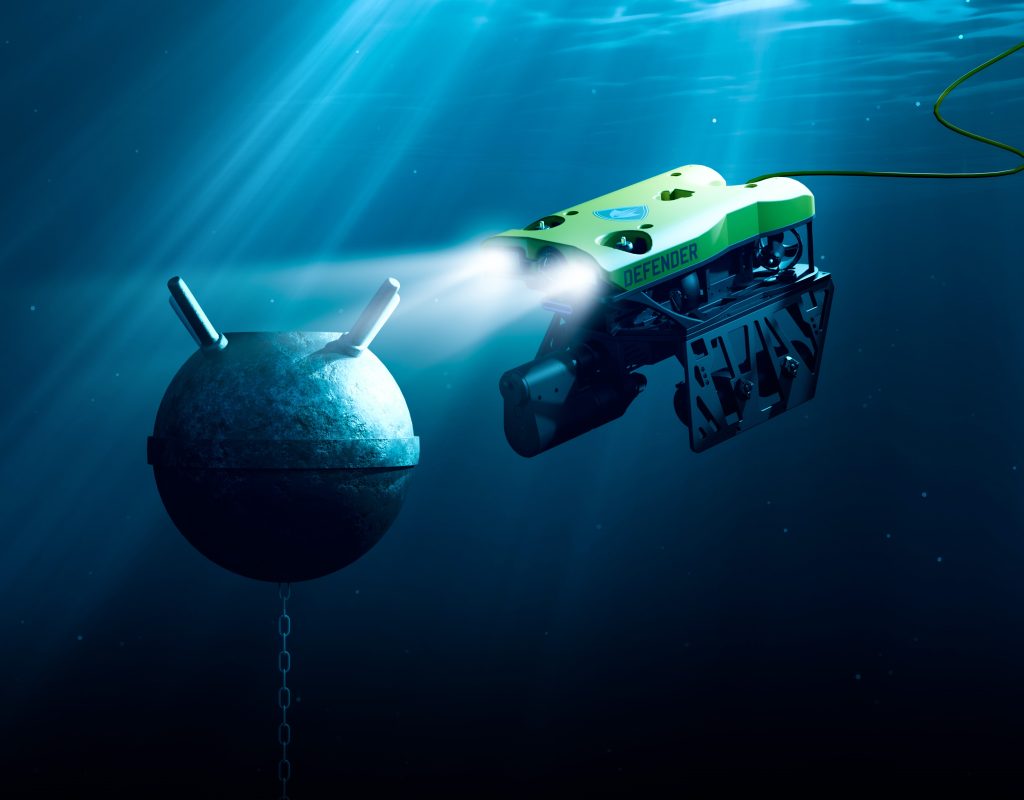
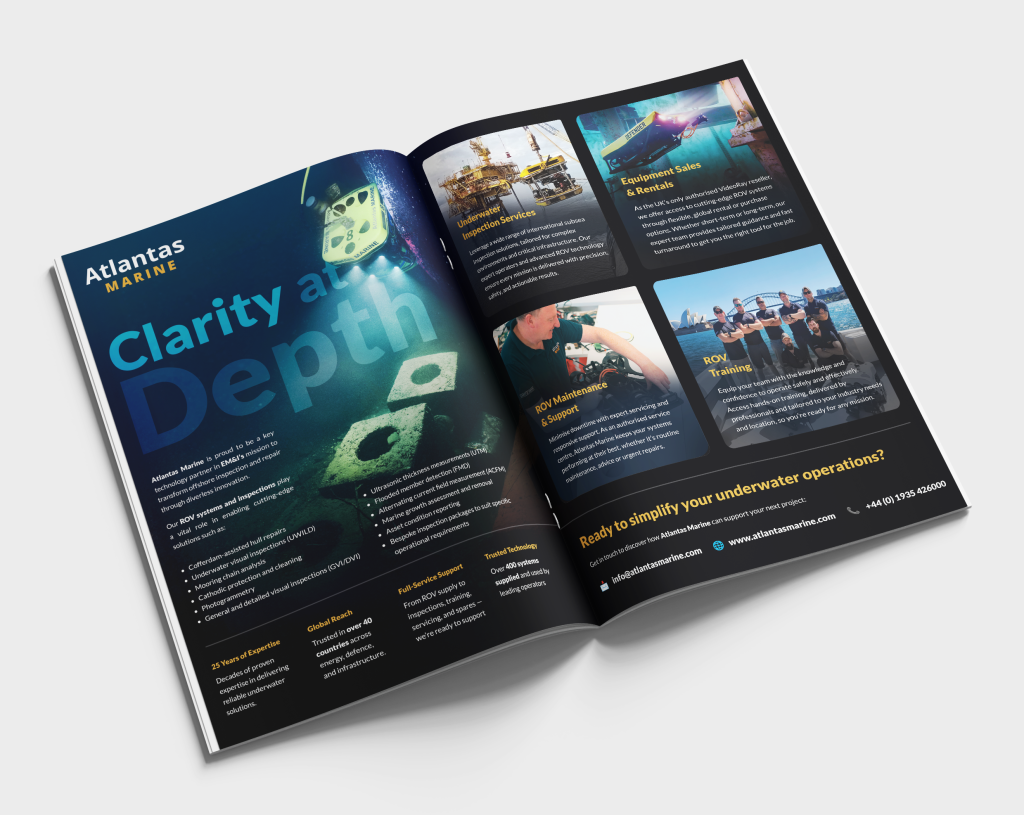
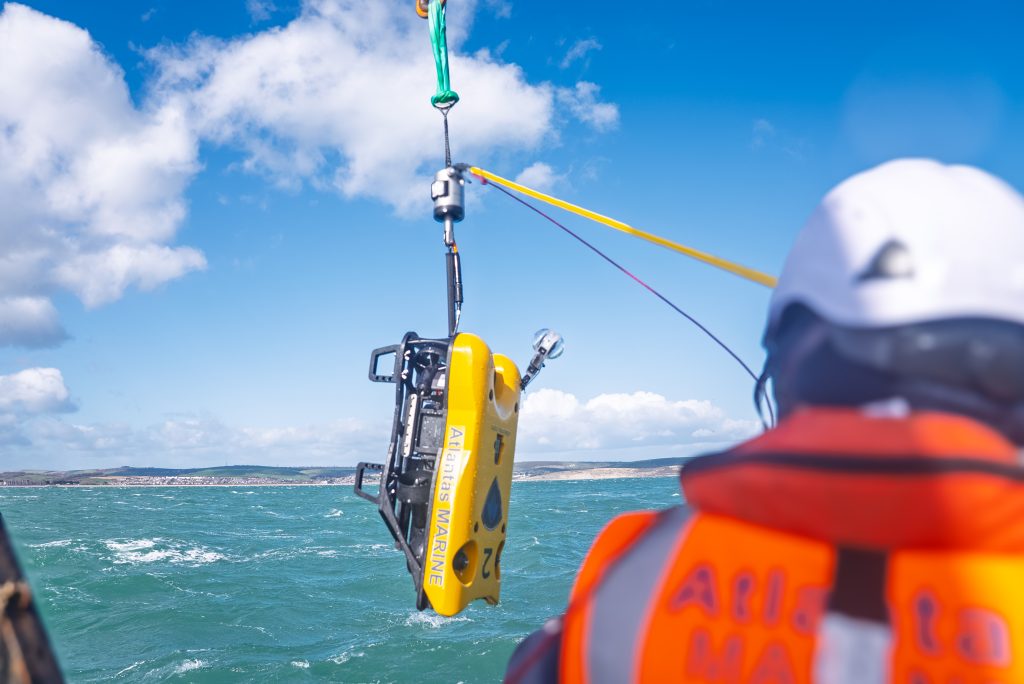
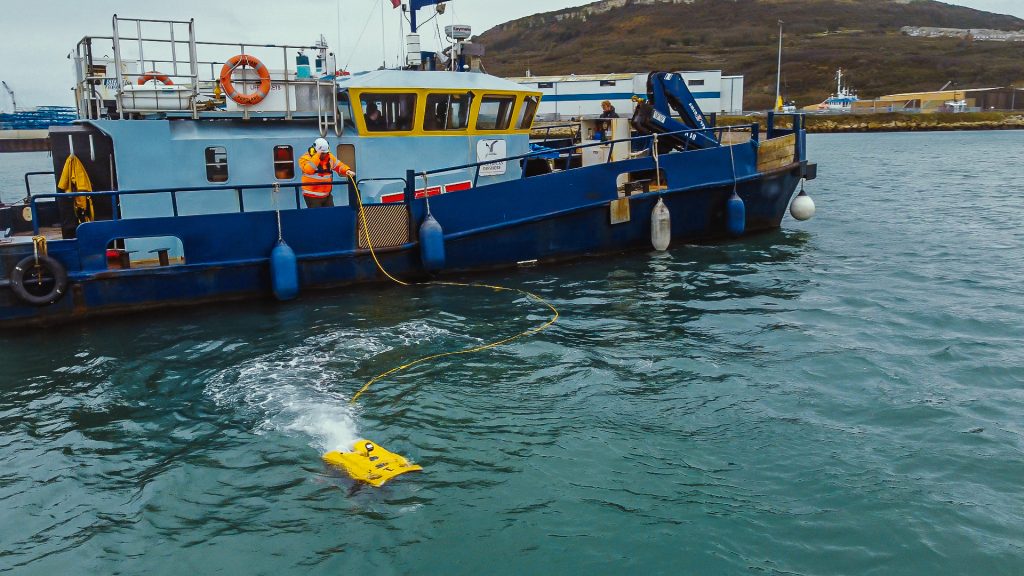
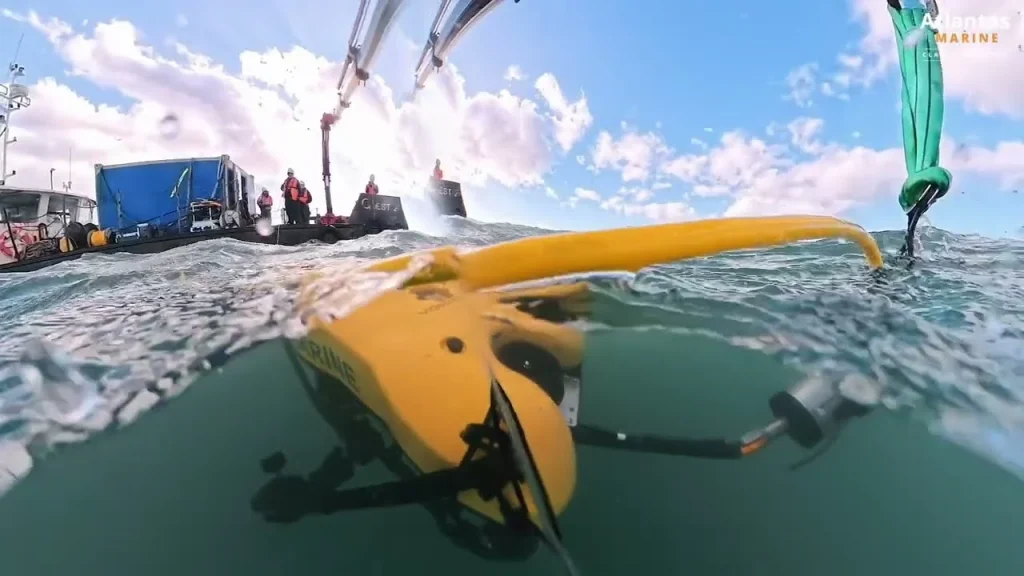
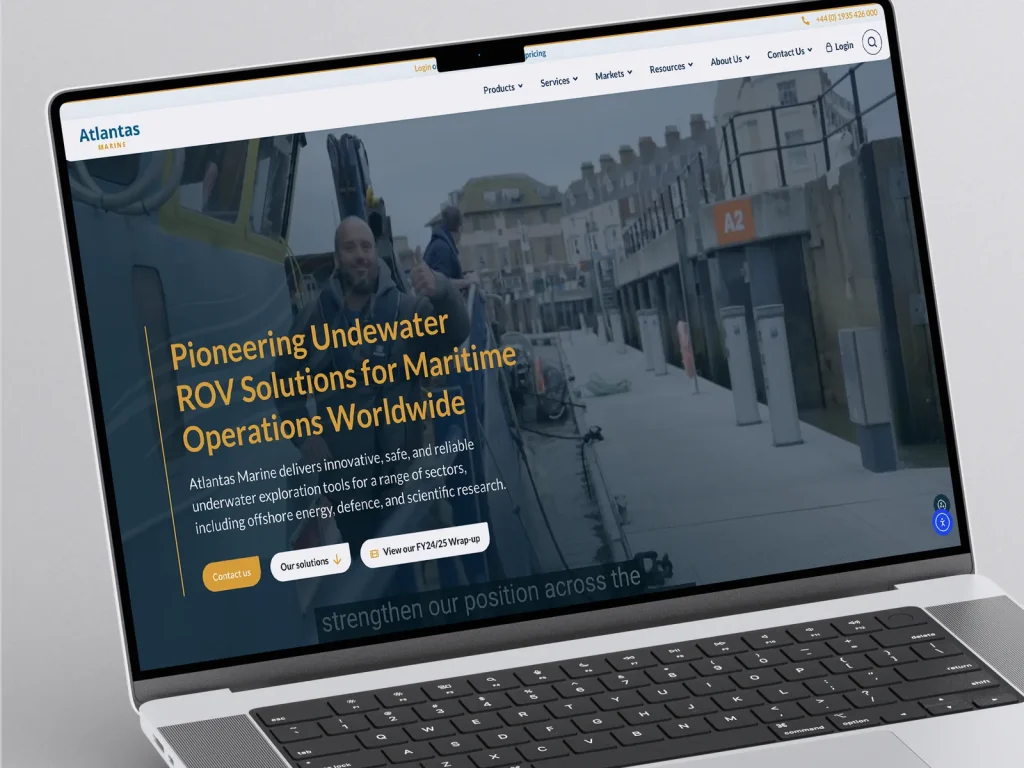
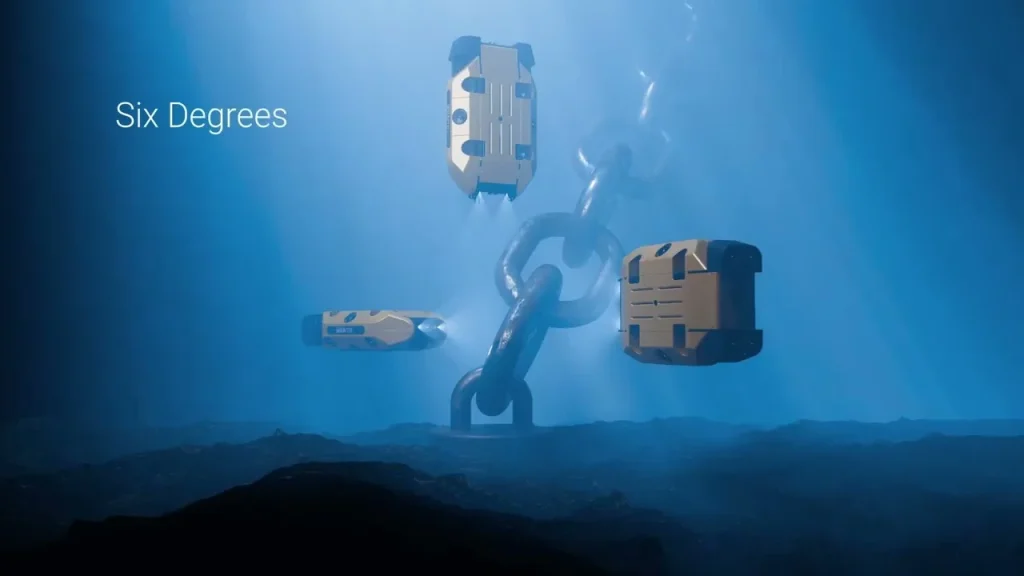
A lot of maritime and defence work can’t be shown directly. The client is confidential, the site is restricted, or the job happened 200 metres underwater. That doesn’t mean there’s nothing to say. You can describe the problem, the conditions and the outcome without naming the client. You can photograph the equipment in your own yard. For subsea work, 3D animation can show what a camera never could. When we rebuilt the site for Atlantas Marine, a subsea inspection and ROV specialist, we photographed their sea trials and used 3D animation to show the ROVs working, so each part of the business (inspection, equipment sales, rental, training and repairs) had real material behind it.
If you’re planning new footage for the site, we’ve written separately about what to sort out before filming a product and filming on vessels and restricted sites.
The enquiry form asks the wrong questions
A single “Get in touch” form with a name, email and message box gets you vague enquiries that need three emails before you can quote. Ask for the things you’d ask on the phone. For a new project that’s the type of work, the vessel or site, and the timescale. For a breakdown it’s the equipment, where the vessel is and when it next sails. Keep it short, but make it specific.
Split the routes if you can. A new project enquiry, a breakdown or service call, and a job application are different things and should go to different people.
Quick win
If you offer urgent service, the phone number belongs at the top of every page, not at the bottom of the contact page.
Then measure it. Track form submissions and clicks on your phone number as events in your analytics, record which page each enquiry came from, and mark in your CRM which enquiries turned into work. After a few months that tells you which pages to improve next, and it stops the website being something you only think about when it’s time for a redesign.
Common questions
What should a maritime company website include?
Clear service or product pages, a certifications page with certificate numbers and expiry dates, real photos of your vessels, kit and people, case studies, and an enquiry form that asks for what you need to quote. Contact details should be easy to find on every page.
How fast should a maritime website load?
Google’s Core Web Vitals guidance counts the main content appearing within 2.5 seconds as good. Visitors on ships or phones feel slow pages more than most, so compress images and avoid large videos that play automatically.
Should we list our certifications on the website?
Yes. Tender panels and procurement teams check them early. List each approval with what it covers, the certificate number, the issuing body and the expiry date, and link to the certificate or the issuer’s register.
Where to start
If the site needs a full rebuild, that’s a bigger conversation. But most of the above can be done on an existing site: a certifications page, lighter images, clearer headings, a better form. Product pages are usually the next biggest opportunity, and we’ve covered those in how to write product pages for engineered equipment.
If you’d like us to go through your site as your buyers would, get in touch. You can also see more about our website development work for maritime, defence and engineering businesses. We also have a page on maritime website design.