Most product film reshoots come from problems that could have been caught before the day: no clear brief, no plan for sound-off viewing or social crops, nothing specific for the film to prove, a product that wasn’t ready, something on screen that can’t be published, or a location, weather or people problem. Check each one before you book the crew.
The product turns up with a prototype sticker on it. The engineer who knows it best is on leave that week. Nobody checked whether the customer site could be filmed. The finished film is a lovely two-minute piece when what the sales team needed was a 20-second clip for LinkedIn and a silent loop for a trade show stand.
None of that can be fixed in the edit, and any one of them can mean a reshoot. These are the causes we see most often, in the order we check them with clients launching new equipment.
Quick diagnosis
What went wrong last time?
- The film looks good but sales don't use itThere was no clear briefSee the fix
- Vertical versions cut off the productNobody planned for croppingSee the fix
- Viewers can't tell what's different about itThe film doesn't prove anythingSee the fix
- Prototype stickers or scratches in the editThe product wasn't readySee the fix
- Shots have to be removed after reviewSomething can't be publishedSee the fix
- Engineers look stiff or read from a scriptPeople weren't preparedSee the fix
Before filming a product
Where the time goes on a product film
Most problems are cheapest to fix in steps 1 to 4, before anyone arrives with a camera.
- 1Brief
- Who it's for
- What they should do next
- Every edit you need
- 2Plan
- Three things to prove
- Script or questions
- Shot list and framing
- 3Product prep
- Final finish and labels
- Cleaned hero unit
- A spare, if possible
- 4Recce and permissions
- Site access and escorts
- Drone and airspace checks
- Release forms
- 5Shoot
- Film and stills together
- Weather day held
- PPE right on camera
- 6Edit and review
- Technical accuracy
- Compliance sign-off
- Captions checked
- 7Release
- Hero film first
- Cut-downs over weeks
- Tracking in place
There was no clear brief
“A video about the new product” isn’t a brief. Is it for the launch at a trade show? For the product page on your website? For a LinkedIn campaign aimed at a specific type of buyer? For distributors to show their customers? For training people to install or use it? Each of those needs a different length, a different structure and often a different format.
One film rarely does all of those jobs well. What does work is one well-planned shoot that produces several edits. We’ve written about that in one shoot, many uses. The point here is to decide what the edits are before the shoot, so the footage for each of them actually gets captured.
Write down who the film is for and what you want them to do after watching it. If you can’t do that in a sentence, it’s worth working through it properly first. That’s what content strategy is for.
Nobody planned for sound-off viewing or cropping
A lot of product video is first seen with the sound off. Browsers generally only allow video to autoplay if it’s muted (Chrome’s autoplay policy explains the rules), and social feeds work the same way. So the film has to make sense without sound. That affects the script, the shots and the on-screen text, not just whether you add captions at the end.
It also affects the framing. A landscape 16:9 film will be cropped to 4:5, 1:1 or 9:16 for social feeds. LinkedIn’s video ad specifications list the ratios it supports. If you know you’ll need vertical versions, the camera operator can shoot a little wider and keep the important action in the centre of the frame, so it survives the crop. Deciding that afterwards usually means losing the top of the product or someone’s hands.
Framing for every crop
The full landscape frame. Website, YouTube and presentations.
The film doesn't prove anything
Ask the engineering and sales teams for the three things a buyer most needs to believe about the product. It might be that it’s quick to deploy, that it’s light enough for one person to carry, or that it works in conditions the competition can’t handle. Then plan a shot that shows each of those things happening, rather than a presenter saying it.
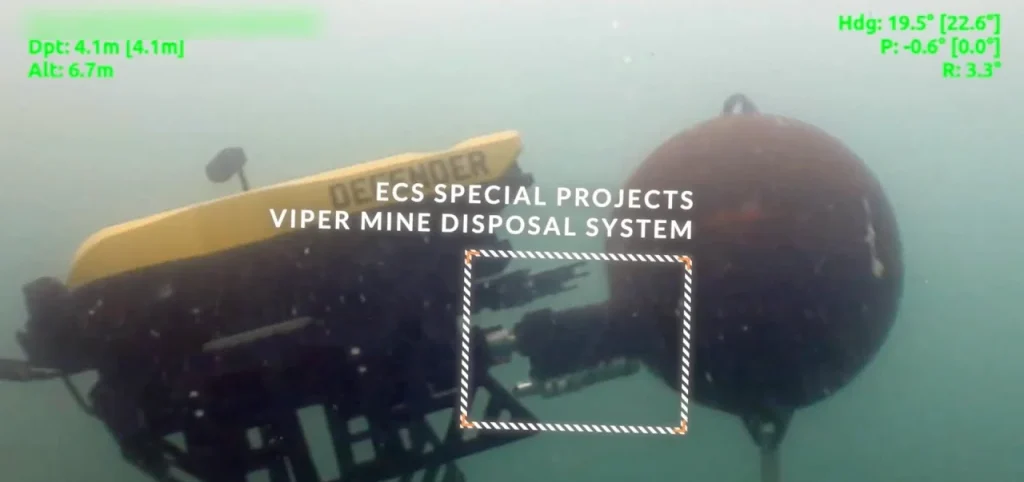
Showing someone deploy the system in real time with a clock in the frame is more convincing than any claim about setup time. If the interesting part is inside the housing or underwater, plan 3D animation or motion graphics for it from the start, so the filmed footage and the animation fit together.
There was no shot list
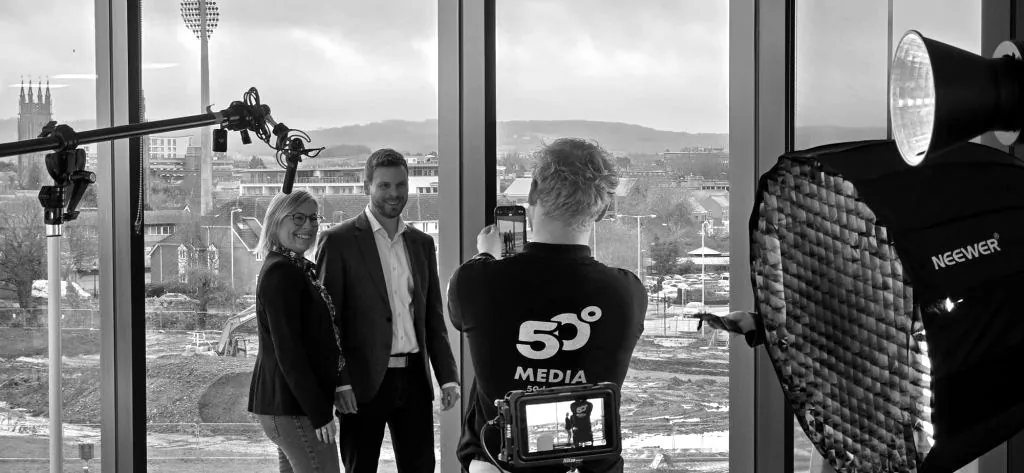
Once you know what the film has to prove, turn it into a shot list, a rough script or interview questions, a schedule for the day and a list of who needs to be where. Allow more time than you think for setting up shots of the product. Lighting a reflective object properly takes longer than filming a person talking.
It’s also worth capturing photography on the same day. The product is clean, the location is set up and the people are there. It’s far cheaper than arranging a second shoot, and you’ll need the stills for the website, the datasheet and the press release anyway.
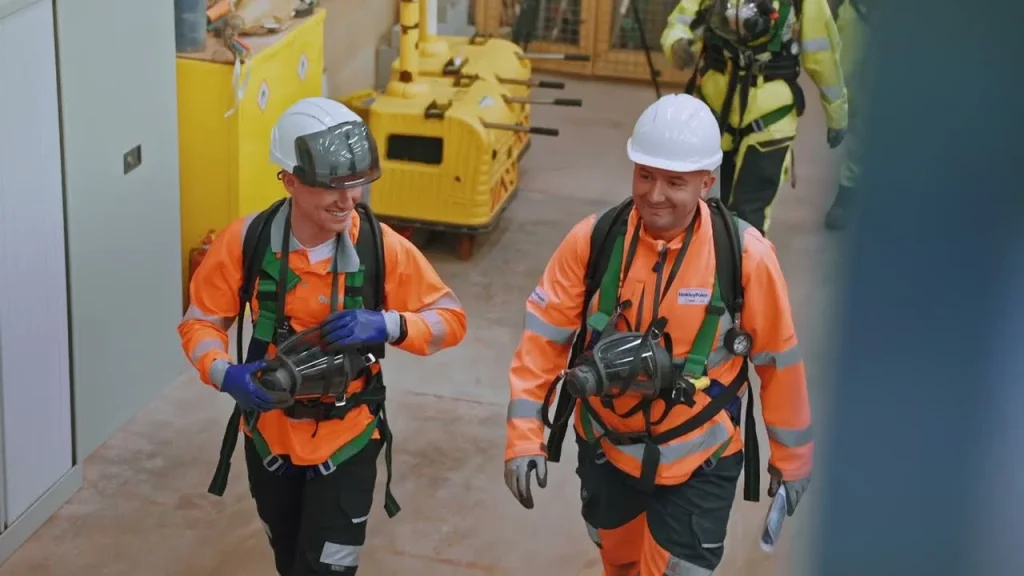
A good example of planning paying off was the training video we made for the University of Oxford’s Earth Sciences department. A 30-minute training session had to become a five-minute film, with limited time on site. Most of the work was done before the shoot, with the lab technicians, deciding exactly what each shot needed to show.
The product wasn't ready
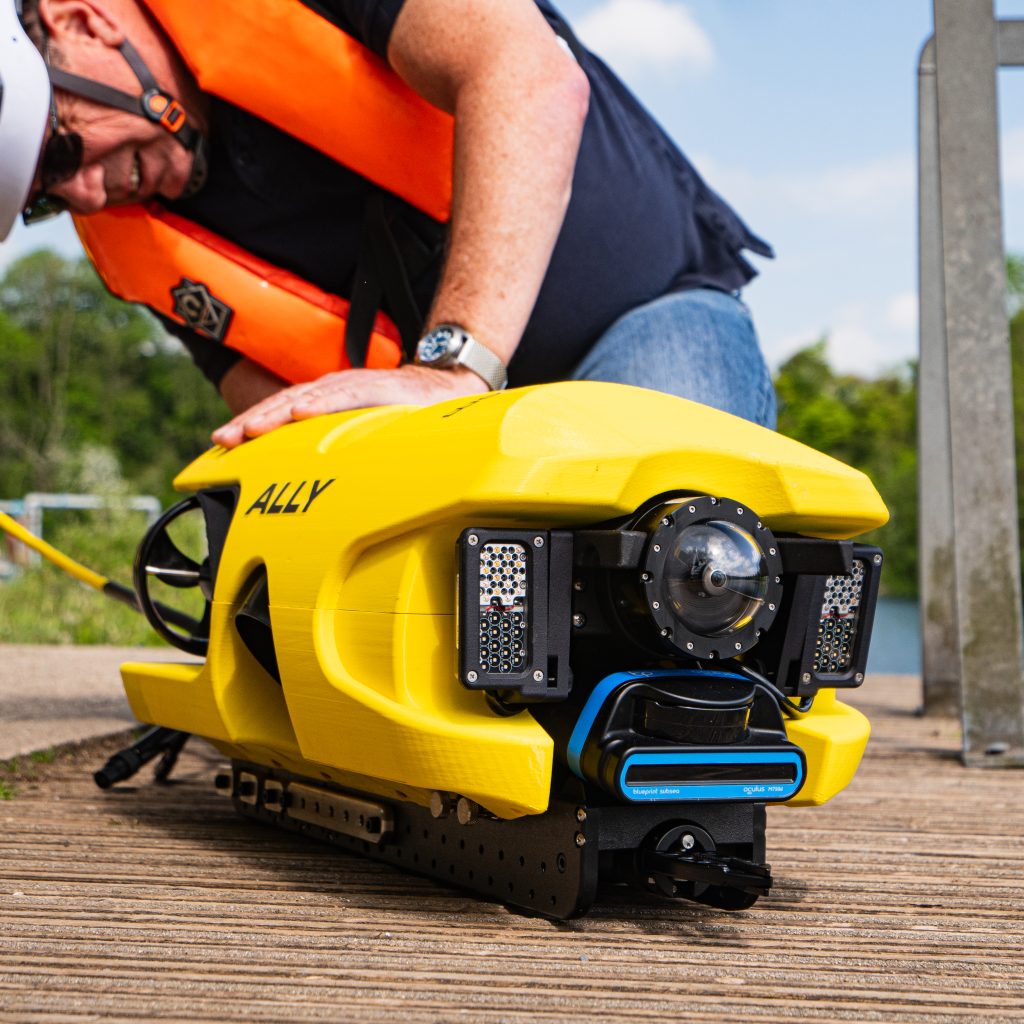
A product that isn’t ready is one of the most common reasons for a reshoot, especially with pre-production units. Go through this list a few days before the shoot, while there’s still time to fix things. Dark anodised and painted surfaces need the most attention.
Product prep
Before the product goes in front of a camera
- Final finish and colourIt should look like the version customers will receive.
- Prototype labels removedStickers, handwritten labels and temporary cable ties.
- Cables routed neatlyLoose cabling is the first thing a viewer's eye goes to.
- Shipping software on screenAny display or interface should be the version that ships.
- Cleaned for cameraFingerprints and dust show up far more on camera than in person.
- A second unit on standbyDemos that never fail in the workshop fail on shoot days.
Something on screen can't be published
Get the right people to agree this before the shoot, not after the edit. Common issues are patent-pending features, customer names and logos, other companies’ equipment in the background, and anything on screens or drawings in shot.
For defence and dual-use products there may be export control considerations around publishing technical detail, even in a marketing film. If that applies to you, involve your export compliance lead early. The Export Control Joint Unit is the UK body responsible for strategic export licensing. Plan a formal review of the rough cut with whoever needs to sign it off, and allow time in the schedule for their comments.
The location or weather let you down
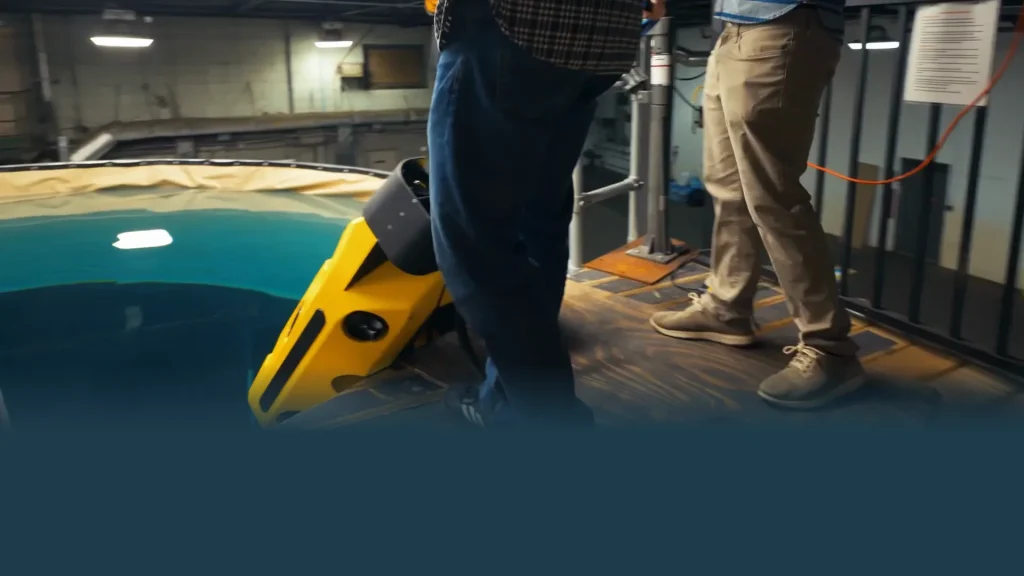
A studio or clean workshop gives you control and a tidy background. Filming the product in use, on a vessel, in a test tank, in the field, gives you credibility. Most good product films have some of both.
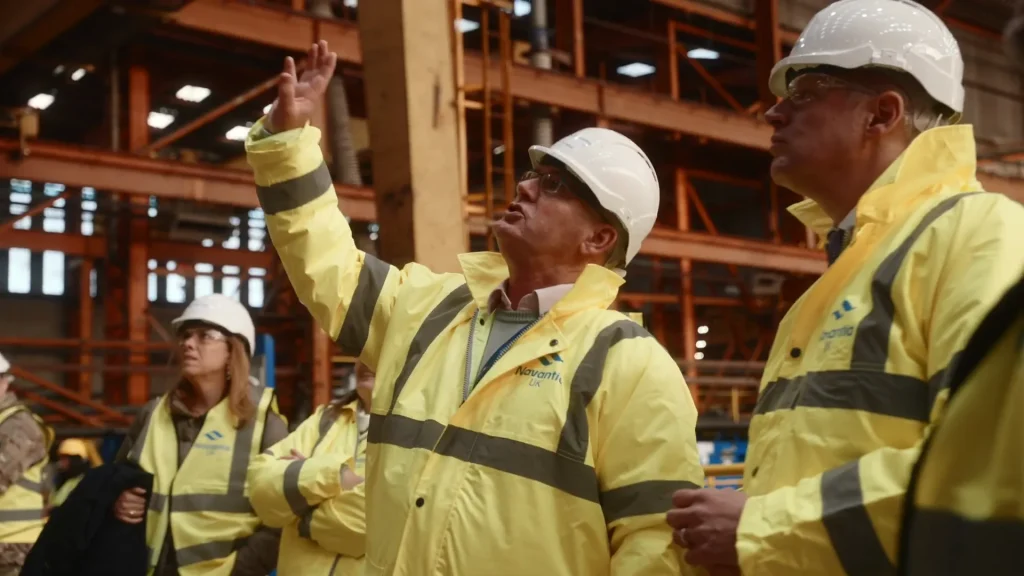
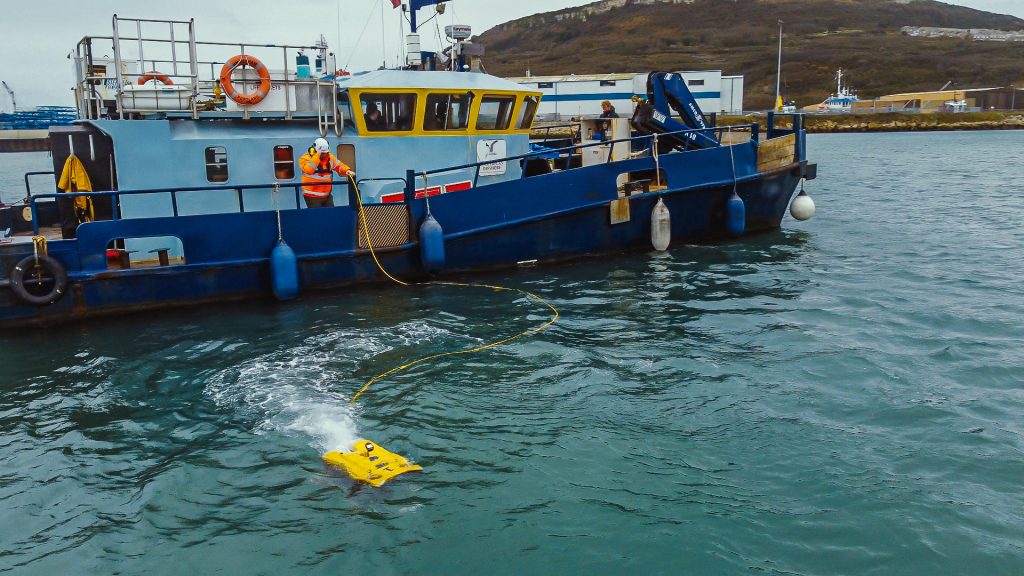
If you’re filming outdoors or at sea, build in a weather day. For coastal work, check the Met Office inshore waters forecast in the days before, not just the general forecast. If the location is someone else’s site, you’ll need their permission, and possibly inductions, escorts and security checks. That can take weeks. We’ve covered it in more detail in filming on vessels, in shipyards and on defence sites.
If you want aerial footage, drone flights need their own planning. The CAA’s Drone Code sets out where you can and can’t fly, and many industrial and coastal sites are close to restricted airspace.
The people on camera weren't prepared
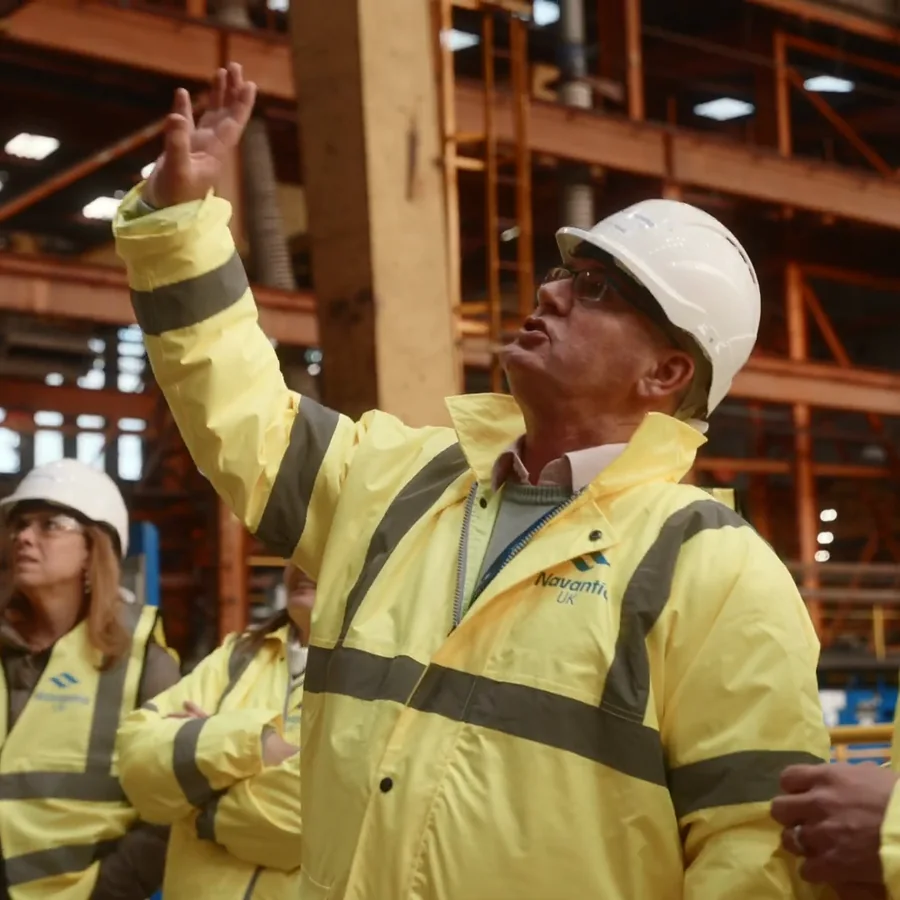
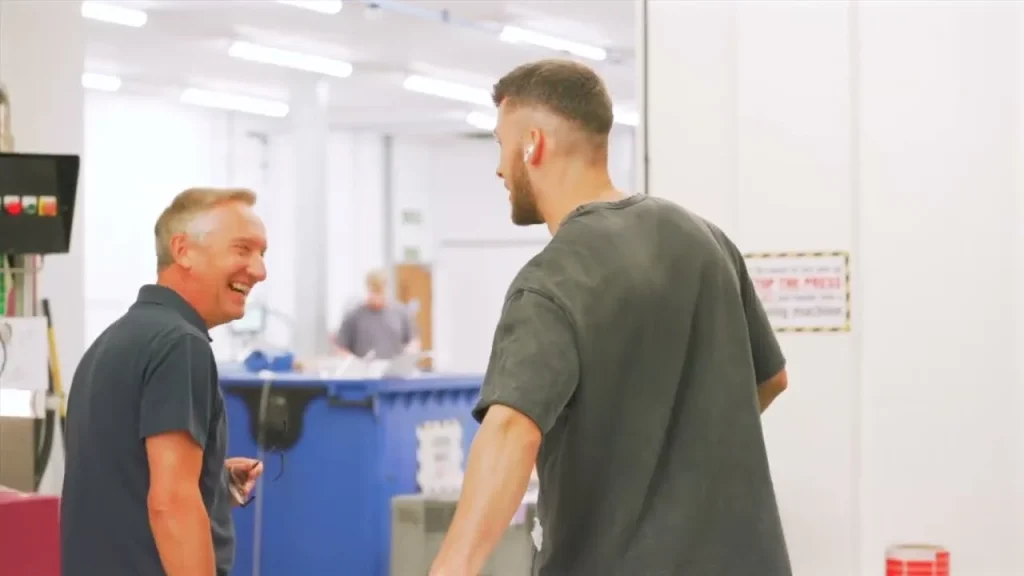
Engineers and operators are usually more credible on camera than a presenter, because they clearly know what they’re talking about. They also usually haven’t done it before, so give them the questions in advance, film it as a conversation rather than a speech, and don’t ask them to learn a script.
Anyone identifiable in the film should know how it will be used and agree to it. A simple release form is the easiest way to record that. It should say where the film will be used, for how long, and how someone can ask to be removed later. If you’re unsure of your legal basis for filming staff and customers, the ICO’s guidance on legitimate interests is a good place to start.
Make sure everyone on camera is wearing the right PPE and working the way they should. Your audience works in the industry, and a missing hard hat or an unsecured load is the first thing they’ll notice. The HSE has guidance on safety in film and TV production, and whoever is filming should provide a risk assessment for the shoot.
If you’ve got a product launch coming up and want to talk it through, get in touch or have a look at our videography and editing services.
Common questions
How far ahead should you plan a product film?
Plan around the steps that can’t be rushed. Site access and security checks can take weeks, the product needs to be finished and cleaned, and defence or export-controlled products need a review before release. The shoot itself is often the shortest part.
What aspect ratio should a product video be?
Shoot a 16:9 master, but frame it so the action survives a crop to 4:5, 1:1 and 9:16 for social feeds. LinkedIn recommends 4:5 for vertical video ads.
Do you need consent to film staff for a marketing video?
Anyone identifiable should know how the film will be used and agree to it. A release form covering where the film will be used, for how long and how to withdraw is the simplest way to record that. The ICO’s guidance sets out the legal side, and it’s worth taking advice if you’re unsure.